

UX design isn't a gamble. Devices change. Target audiences change. But no matter what, the method behind UX design stays the same. That's because a UX designer needs to focus on user needs only. In other words, the designer needs to see things through the customer lens and design his app or website accordingly. That’s about it. But how? Let's find out.
Good UX directs the customer to their desired destination. It helps them achieve what they intend to accomplish while interacting with your brand.
Creating good UX means keeping the user front and center, no matter the type of device they're using - it could be the website, mobile site, apps, etc.
Sure, there will be times when you may be tempted to focus only on things that you want to communicate and want the user to click on. But don’t forget: the actual goal of good UX is to help users achieve what they intend to accomplish while interacting with your brand, not what you want them to do.
That’s why it’s essential to figure out how your online and app experiences make people feel.
By keeping your audience needs in mind, you can build a strong UX that puts all the required information in place in such a way that it strikes the right chord with users. And when the UX of your site or app makes people feel good, they're more likely to hang around and become your customers.
The concept of UX design has grown from nice-to-have to a necessity these days. It's emerged as one of the critical factors to winning markets. But when it comes to actually explaining the concept, people are still unable to speak clearly about it.
The 7 Chief Attributes of Good UX
#1. Know the user inside and out
You need to look at UX designing through the customer lens and take the right steps for your website or app. Ask yourself: why would customers buy from you rather than your competitor? What sort of information are customers looking for - are they merely researching products or services, or will they make actual purchases? Figure out the kinds of actions the users might want to take and list them down on different sticky notes.
Then, you can arrange all these actions to match the user flow. In other words, arrange them in a way potential customers would use them. Make sure every effort ends in five steps or even less. For instance, to ‘make purchases’ people will first:
- Browse the homepage
- Tap into the product category
- Click product page
- Check out
#2. Focus on creating emotions
Once the user flow is ready, the next step is to create emotions you want your users to experience when they enter your website. Do you want them to feel excited? Serious? Curious? Once they're done with their purchasing, how should they feel? Satisfied? Relaxed? Believe it or not, UX can be used to create intended emotions by playing with imagery, colors, graphics, messaging, and more. Make sure your feelings are in sync with your brand identity and values.
#3. Sketch out your vision
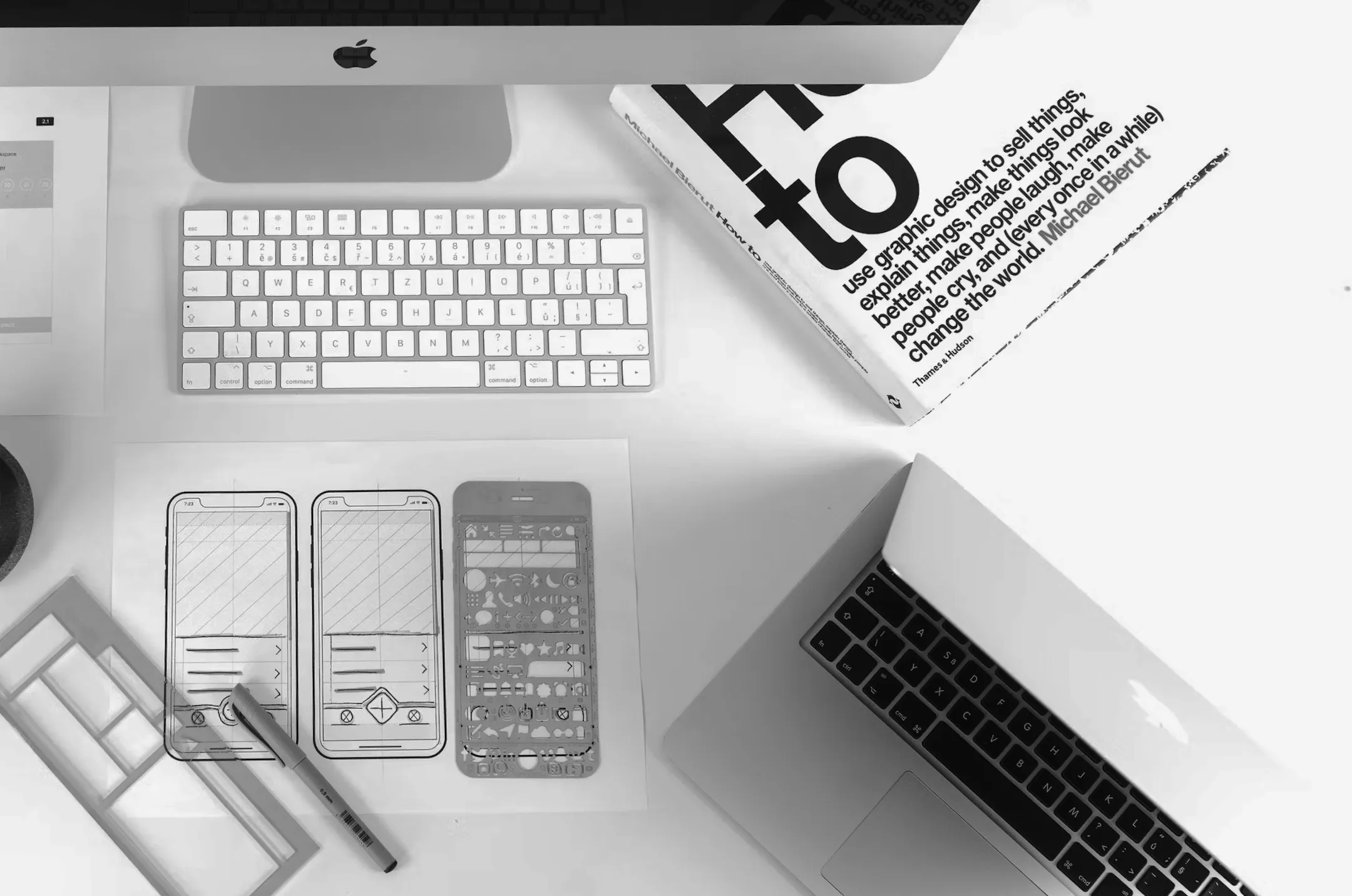
Once you've nailed down the customer actions and mood, you can move on to the designing phase and what each page of your website or app should look like. It could be the placement of the buttons, content layout, color scheme, among many other things. Sketch out your design, which could further be used to create an outline for your website or app. Even if you plan to outsource your UX process, sketching your UX requirements will help you to communicate your ideas more clearly.
#4. Avoid feature overloading
While sketching out, make sure the customers reach the product or service easily. The UX should be such that it takes the customers from one point to the other point in straight, easy steps. For this, you will have to make sure to remove unnecessary steps and features that might distract the customer from your offering.
Facebook Messenger is loaded with all types of features making it clunky and overwhelming for chat users. These may be too much for chat users to digest. This is where Messenger Lite comes to their rescue. The app exclusively focuses on the chat feature only, which makes it an ideal UX strategy.
#5. Usability should be frictionless and intuitive
It’s essential to make the customer journey on your app frictionless. For this, you need to make sure the layout is good enough to be used with one hand. For customers using larger smartphones it’s common to have to scroll all the way to the top of the screen to tap a particular button. This is bad UX.
If the critical functions of your app aren't easy to reach, it might frustrate the users. The design should be frictionless and intuitive to drive sales and engagement.
#6. Easy to understand typography
If you think that all fonts are good enough and that you need not waste time thinking about fonts, then you have the wrong impression. If users are having difficulty deciphering the information on your app or site, it will leave a negative impact on them and might affect their overall experience. Employing consistent and accessible visual language will ensure that your customers understand the content in they way you want them to.
#7. Conduct early testing
The best way to know whether you've created a respectable user experience is to test it early. You don’t have to wait until your website or app is completed, to begin with, the testing process. There are enough and more free tools that allow you to create mock-ups quickly and cheaply. If this sounds too much of a task for you, then you could share the rough sketches of the user flow with friends and to-be customers to know about their experience. Probe in-depth to understand their challenges or skills that require for each action. This will help you come up with new ideas for improved UX design.
Wrapping Up
Designing a respectable UX is not a simple exercise; however, it’s easily achievable with the above-prescribed steps. The only thing that you need to focus on is understanding customers' requirements and their feelings and personas. This is a fail-safe way to visualize how your app or website will look and help it succeed. More importantly, test it asap. You can hire Brightscout UX experts to guide you through the process of designing a respectable user experience. Contact Brightscout now to explore the possibilities with us.
FAQ
What defines strong UX in a modern product?
Strong UX makes progress feel obvious. Users understand where they are, what to do next, and what outcome to expect. It reduces cognitive load without overexplaining. When interactions feel predictable and intentional, confidence increases. That clarity supports adoption and long-term retention.
Why do some products feel polished but still frustrate users?
Surface aesthetics can hide structural issues. A clean interface doesn’t compensate for unclear flows or poorly prioritized information. When teams optimize visuals before fixing underlying logic, the experience breaks under real usage. Respectable UX starts with problem definition.
How can teams evaluate whether their UX meets a high standard?
Watch real users interact with the product. Hesitation, repeated clicks, or backtracking signal breakdowns. Then review outcomes. If onboarding completion, feature adoption, or retention lag behind expectations, UX likely needs attention. Quality experience shows up in measurable behavior.