

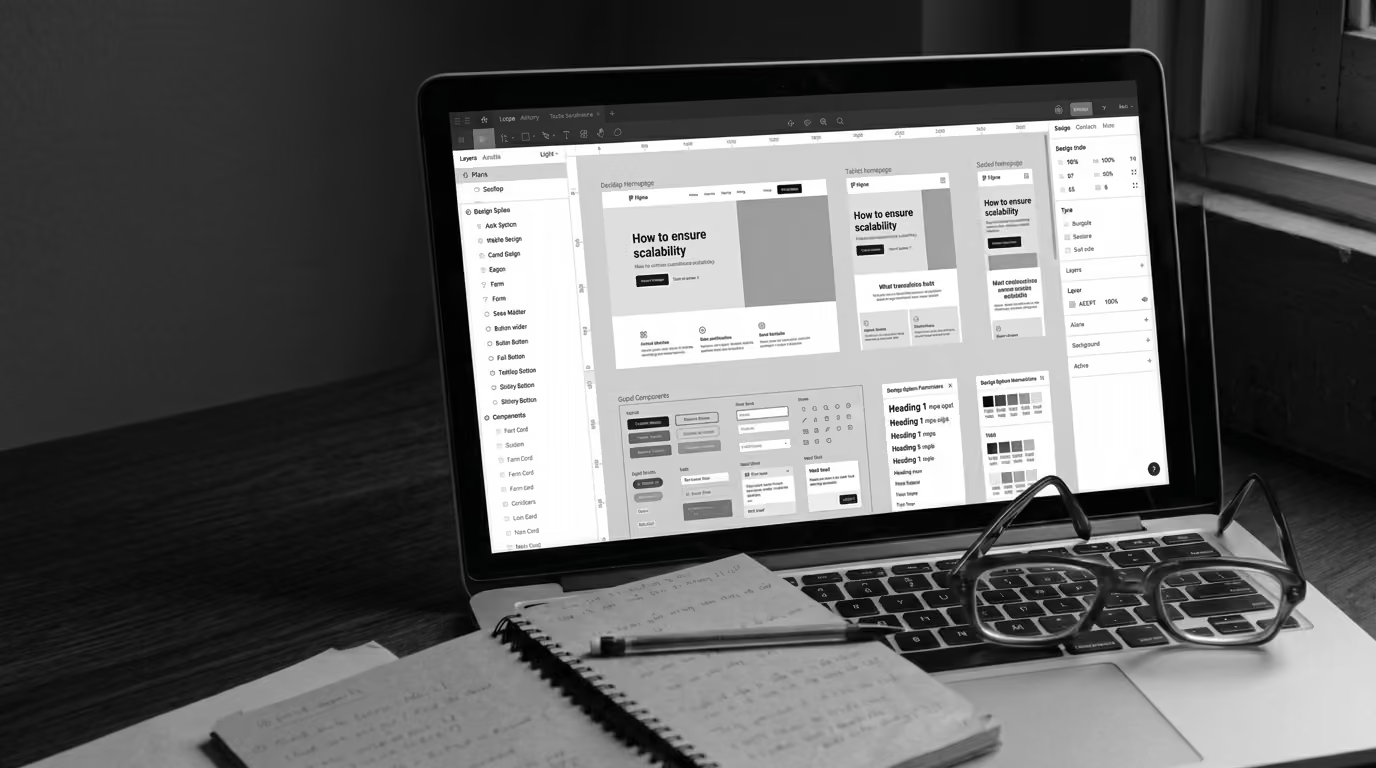
B2B websites start with a few core pages and messaging that matches the product at that moment. Then the company grows and the site starts to carry more than it was designed for. What once felt simple turns into something harder to manage.
Future-proofing your website is what helps you build a system that holds up as the business changes.
Why B2B websites break as companies grow
Early-stage sites are built for speed and content gets added as new needs appear. That approach works…until it suddenly doesn’t. Pages overlap and messaging shifts depending on who wrote it. You may have a design system, but it gets repeated a little bit differently every time.
Without shared rules, every update introduces more inconsistency and what should feel cohesive starts to feel stitched together.
What “future-proofing” means for business
Future-proofing gets framed as flexibility and options with fewer constraints. But that usually makes things worse. A site holds up when it has clear constraints. Otherwise, you’re rebuilding every time something changes. It’s much easier to extend a system that already exists. When you do that, the website goes from a collection of pages to an asset the company can rely on as it grows.
Scalable UX design starts with structure
Layout, spacing, and interaction details are at the core of UX, but stopping there is a mistake. The real work happens earlier. Start by defining core page types and resources: each one should serve a distinct role in how buyers evaluate and move forward.
Next, you need to establish hierarchy. What information comes first, and what supports it? From there, you can map how users move between pages. Without clear paths, users get lost or stall, but design becomes easier when structure is defined upfront. Components serve a purpose and pages feel consistent, even as the site expands.
Content systems create consistency
Content is usually where breakdown happens first. New pages get written from scratch and the same idea gets explained five different ways. Having a system in place for your team to follow solves that.
For example, build modular content blocks tied to specific jobs and have another type that shows proof. Each block should have a clear role. Then, you can define where those blocks belong. Not every page needs everything. Structure determines what shows up and in what order.
Once you nail that down, you also need to define who owns the changes in this space. Someone on your team needs to set the guidelines and decide when new ideas get introduced. When those rules exist, content stays aligned even as more people contribute.
Design systems that reduce rework
Design consistency comes from reusable components. A component-based system gives teams a shared toolkit. Think about things like buttons, cards, layouts, and navigation elements, making sure each one is defined and documented.
Usage rules matter as much as the components themselves, like when to use a pattern and when not to. Your designers should also know what variations are allowed and where boundaries can be pushed.
From there, you need to look at what makes the designs come alive, because alignment between design and development is what makes it stick. If components don’t translate cleanly into code, teams work around them and end up making a mess.
CMS and architecture choices shape what’s possible later
The CMS decision gets treated as a tooling choice, but it’s more than that. A page-based system works early, but it breaks as complexity increases. Structured content changes how the site scales. Instead of managing individual pages, you manage content types and relationships, which makes it easier to reuse, update, and expand down the line.
Separating content from presentation adds another layer of flexibility. The same content can support different formats, regions, or audiences. Think ahead to how the business will grow and reach new markets. The architecture should support adding these without restructuring everything.
Measurement and experimentation keep the system improving
A scalable website doesn’t stay static. Growth introduces new behavior and new pitfalls to be aware of. Look at where users drop off and where they convert, because behavioral insight shows where structure or messaging breaks down.
After you have that information, pair it with testing to have a steady loop of improvement. Small changes, measured over time, can make a big difference. When measurement is built into the system, the site evolves with the business.
Signs your website isn’t built to scale (yet)
The issues don’t show up all at once, but build gradually. New pages take longer than they should and messaging changes depending on the entry point. Teams may even recreate work that already exists. None of these feel like major problems on their own, but together they slow everything down and eventually business feels the impact.
Conclusion: Making your website future-proof
A website that supports growth is defined by how well it holds up as the business changes. That shows up in structure, content, design, and architecture working in harmony. When those pieces align, teams move faster. The site stays clear and it’s easier for you to reach your KPIs.
We help B2B teams rebuild their websites to scale so every new page, product, or campaign fits without creating more complexity. Reach out to our team to talk about building a site that holds up as you grow.
FAQs
What does it mean to future-proof a B2B website?
It means building a system that can handle growth. That includes structured content, defined page types, reusable design components, and clear governance. The goal is to extend what exists, not rebuild it every time the business evolves.
When should a company start thinking about scalability?
Before the site starts to feel strained. Once new pages take longer to launch or messaging becomes inconsistent, the cost of fixing it increases. Early structure makes later growth easier to manage.
What role does UX play in website scalability?
UX defines how information is organized and how users move through the site. When it’s treated as a system, not just visuals, it creates consistency as new content and features are added. That structure is what keeps the experience clear as the site grows.